
Find your kind of role.
Bring job portals and company career pages into one search. Upload your CV to see jobs ranked by how well they match your profile.
Job search + CV matching
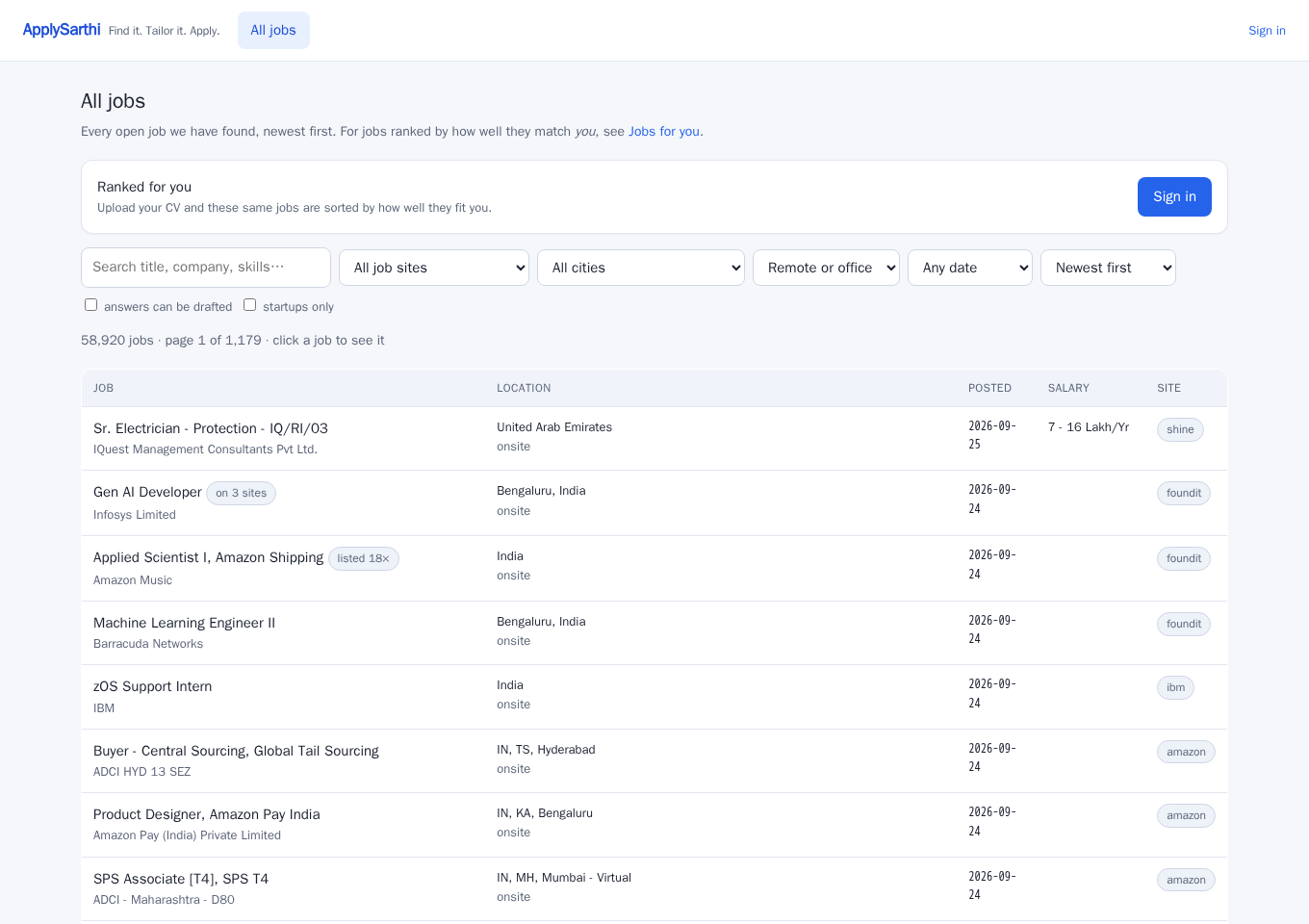
Searching every job portal and filling in the same details again takes time. ApplySarthi brings jobs from Naukri, LinkedIn, Indeed and company career pages into one place. Find jobs that match your CV and fill applications faster.
Always free · No subscription · No card needed
Compare the role with your experience
Upload your CV to see your own matches.
Your search, brought together.
Listings from sources including
Fewer tabs. A clearer next step.
From finding a relevant role to filling another long form, ApplySarthi helps with the work in between.
Bring job portals and company career pages into one search. Upload your CV to see jobs ranked by how well they match your profile.
Job search + CV matching
Create a CV and cover letter tailored to the role, using your own experience. Review the wording and download your documents before applying.
Tailored documents · the first one free, then your Gemini key
Let the Chrome extension fill your details and draft application answers. Check the form, add anything missing, and submit when you’re ready.
Application autofill · Chrome on desktop
Your next application, simplified
Start by browsing. Add your CV when you want matches made for you. No need to figure out everything at once.
Get started with ApplySarthiSign in with your email and upload a PDF or Word CV. Your experience and skills become the starting point for your job matches.
Explore your matches and check the job description. Your first tailored CV is on us; after that, use your own free Gemini key to tailor your CV and cover letter to each opportunity.
Open the application in Chrome and let the extension help fill the form. Check every answer, complete missing details and CAPTCHAs, then submit.
Your career. Your call.
Good applications start with real experience and a role you actually want. ApplySarthi helps you put both into words.
Tailoring is designed to preserve the facts in your CV. Review all generated wording for accuracy before sending.
Salary, notice period, work authorisation and legal declarations need your input. Save reusable answers in Setup.
Autofill stops for your review by default. Optional Autopilot submission requires you to switch it on. Your job-site accounts stay in your own browser.
A PDF or Word CV. For tailoring after your first free CV, your own free Gemini key. Chrome on a computer for autofill. Browse jobs on any device.
A little guidance goes a long way
Formatting choices that help your experience come through clearly.
Read the resume guide ↗ Your searchCommon reasons applications go unanswered, and what to look at next.
Improve your applications ↗ Your toolsUnderstand the difference between matching, autofill and automatic submission.
Explore the auto-apply guide ↗Open jobs by city
Open jobs by country
Open jobs by skill
Yes. ApplySarthi is always free, with no subscription or card required. Public job browsing needs no Gemini key. CV reading can use a platform-provided key within usage limits; your first tailored CV is on us, and later tailoring and AI application help use your own Gemini key. Google’s usage limits and any API charges are separate.
ApplySarthi brings together listings from sources including Naukri, LinkedIn, Indeed, Foundit, Shine and Internshala, as well as company career pages and remote job boards. Coverage and availability vary by source. Always check the employer’s page for current details and location eligibility.
By default, ApplySarthi fills the application in your own Chrome browser so you can review it and submit. Optional Autopilot can work through multiple jobs and submit only when enabled and nothing is left to check. You handle CAPTCHAs and any missing personal answers. Follow each job site’s rules and application limits.
You can browse jobs without one. Initial CV reading can use a platform-provided key within usage limits. To tailor more CVs after your first free one, and to use AI application help, add your own Gemini key in Setup. Follow the Gemini key setup guide. Google’s quotas and billing are separate from ApplySarthi.
Yes, you can browse jobs, view your matches and download tailored CVs on a phone. Application autofill needs the Chrome extension on a laptop or desktop. Start with a PDF or Word CV and sign in with your email.
Your CV, extracted profile, tailored documents and saved answers are stored in your ApplySarthi account on the server. Your Gemini key is stored encrypted. You can delete your account and its data from Setup. Read the ApplySarthi privacy policy for details.
Find it. Tailor it. Apply.
Jobs from multiple portals, matched to your CV. Always free.
Always free. No card. Your next step is yours.
Got an interview lined up? Practise with Prep Sarthi →