
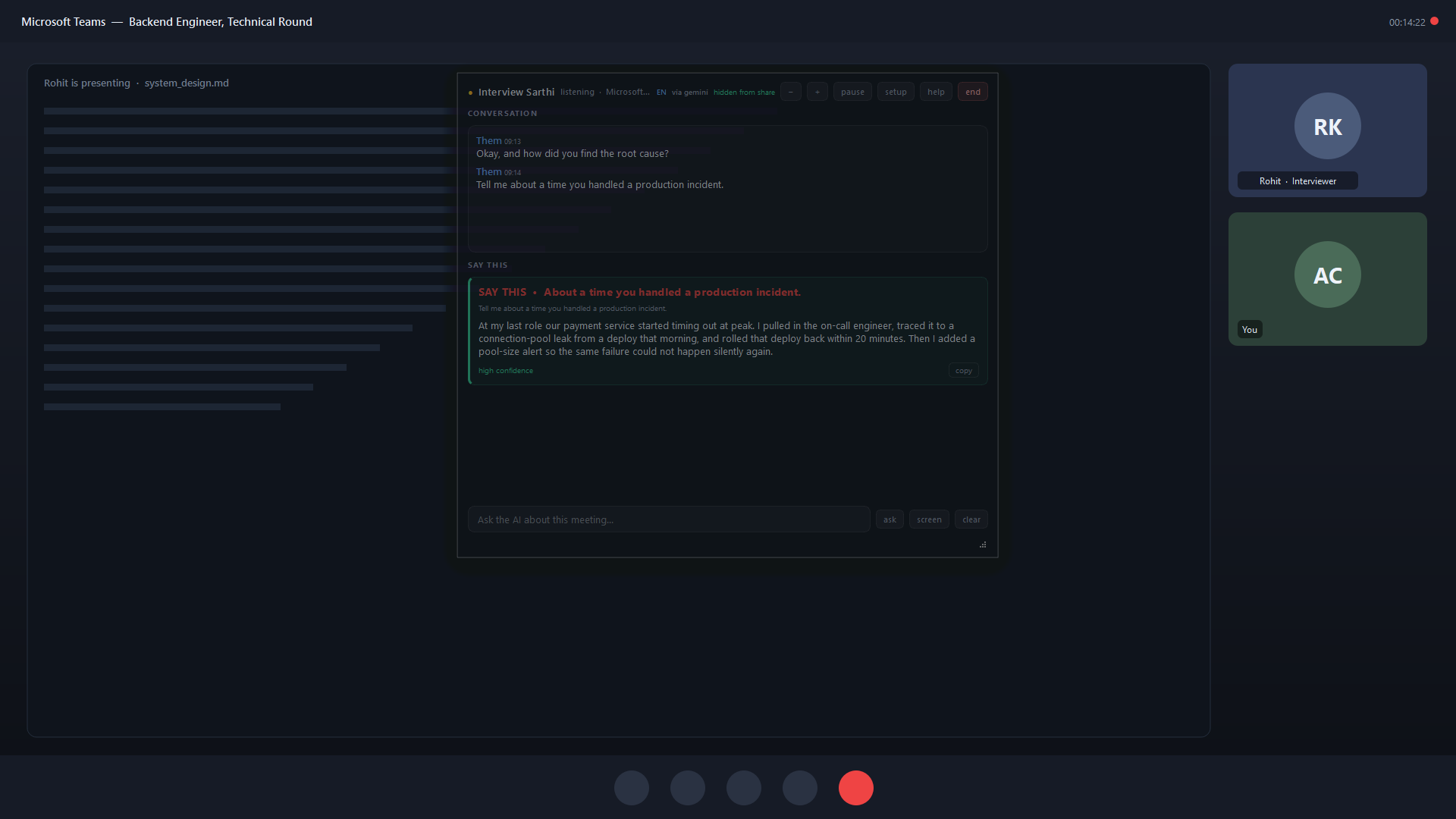
What each part tells your interview assistant
Your resume: experience you can claim
Add the CV you are using for the application. Projects, responsibilities, tools and outcomes give the assistant facts to refer to. Include your personal contribution rather than describing every part of a team project as your work.
The job description: the role you want
Paste the target posting’s responsibilities and requirements. This helps focus an explanation on relevant skills. A requirement is something the employer wants; it is not evidence that you already have that experience.
Your examples: the details behind a short bullet
Add real stories about debugging, deadlines, decisions or collaboration. Explain the situation, what you personally did and the result you can support. These examples are especially useful when a follow-up asks for a specific incident.
Where to add your CV, job description and stories
- Open Live Sarthi’s setup and use Choose resume… to select your CV.
- Paste the posting in Job description for this interview (optional).
- In Your own examples (optional), write one real story per paragraph.
- Save the setup before your practice call. If Live is already open, the new resume, job description and examples load into the running session by themselves. Change the job description when you interview for a different role.
You can leave the optional fields empty. The more relevant detail you provide, the more context the assistant has to work with. For installation, the Gemini key and audio checks, follow how Live Sarthi works.
A worked CV-to-answer example
Fictional teaching example
The candidate, role and answers below are invented to explain the workflow. They are not a measured app output, a testimonial or a claim about an employer’s interview.
CV: Asha, junior backend developer
- Built Python and Flask endpoints for a student task tracker.
- Used SQLite for users and tasks.
- Added input validation and endpoint tests.
Target job description
Build REST APIs, debug incorrect requests, write SQL queries and explain how you test changes.
The posting describes the desired role, not Asha’s employment history.
Asha’s own example
“An endpoint accepted an assignee ID that did not exist. I checked the request and users table, added a server-side validation check, and wrote tests for an unknown ID and a valid assignment. This was a class project.”
Question: “Tell me about a bug you fixed.”
“In my class task tracker, a task could be assigned to a user ID that wasn’t in our users table. I traced the request through the Flask endpoint and checked the SQLite lookup. I added validation that rejected unknown IDs, then wrote tests for an invalid assignment and a valid one. That was the part I owned.”
This illustrative answer combines the project facts from the CV, the debugging focus from the target job, and the concrete incident from the example. It does not invent production customers or a percentage improvement.
Follow-up: “Have you done this with PostgreSQL in production?”
“My hands-on example used SQLite in a class project. I haven’t worked with PostgreSQL in production. I can explain the validation and testing approach I used, and how I would investigate the equivalent database behaviour.”
A relevant suggestion should distinguish experience from an approach you would take. When your CV or stories do not establish an experience, say so. Adding the target job’s requirements cannot fill that gap.
Check the suggestion before saying it
- Ownership: does it describe your contribution rather than the whole team’s work?
- Facts: are the names, tools, dates and numbers correct?
- Experience: does it keep the target role separate from jobs you have held?
- Follow-ups: can you explain the reasoning if the interviewer asks why?
Live is designed to use your supplied experience and acknowledge a missing example, but AI can still misunderstand or introduce an incorrect detail. Use suggestions as a starting point and keep the answer true to your work.
You can practise this with another person in a Google Meet call. If you want an AI interviewer to ask questions and give feedback before an interview, use Prep’s CV-and-job-description mock walkthrough.
Try resume-based answers with your own CV
Live Sarthi runs on Windows 10 (2004+) and Windows 11. It supports English, Hindi and Hinglish and requires your own Gemini key. Audio, CV context and the information in setup are sent to Google using that key; see data handling.
Start with 30 minutes free per computer. In India, one-time passes are ₹99 for 2 days on one device or ₹299 for 30 days on two devices. Software sessions are unlimited during the pass; nothing auto-renews. Google’s quotas and any paid API use are separate. Outside India: $9.99 / 2 days or $29.99 / 30 days.
For alternatives, compare Final Round AI and Parakeet AI on the upfront payment, live access and setup they include. Use live assistance where your interviewer permits it.
Give your interview copilot your real context
Add your CV, the job you want and one story you can explain. Test the suggestions in a practice call before choosing a pass.
Written by the Live Sarthi team. Reviewed 14 October 2026 against the app’s maintained setup and product facts. All worked answers above are teaching examples.